Hero Software changelog
Configure automatic address correction for specific countries
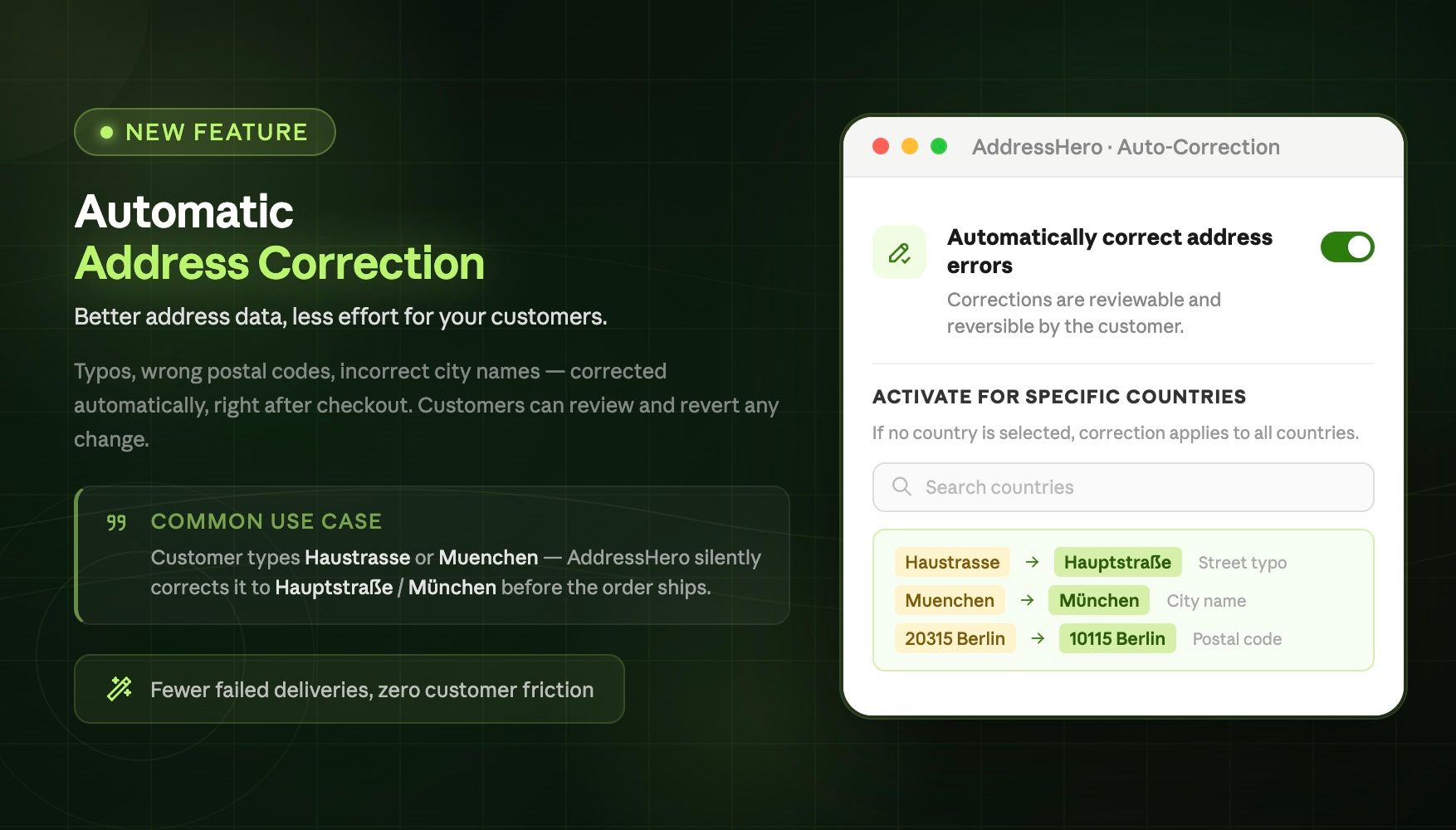
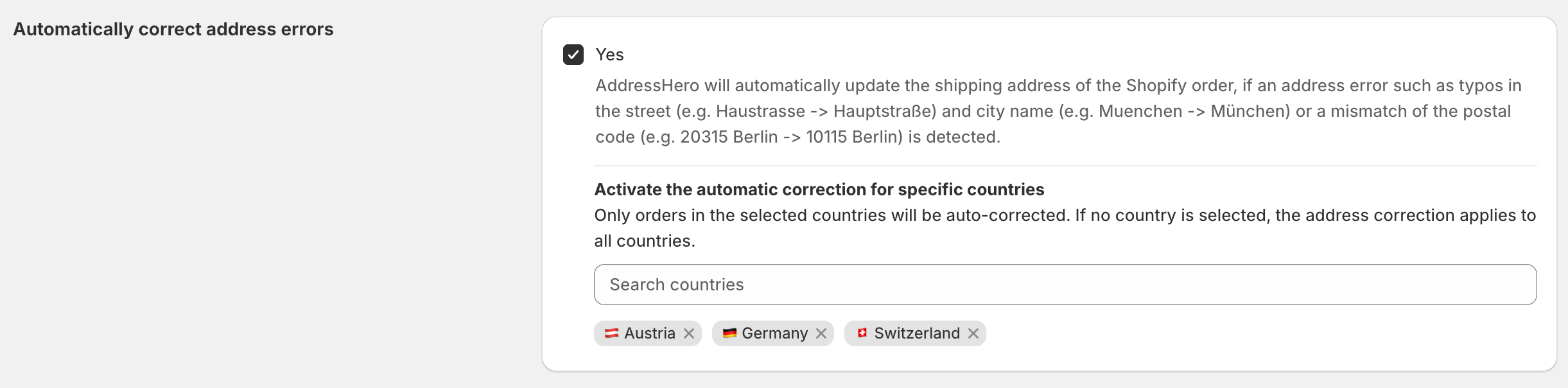
You can now configure for which countries the automatic address correction setting should be active. To specify the countries go to Settings > Automatic Corrections > Automatically correct address errors
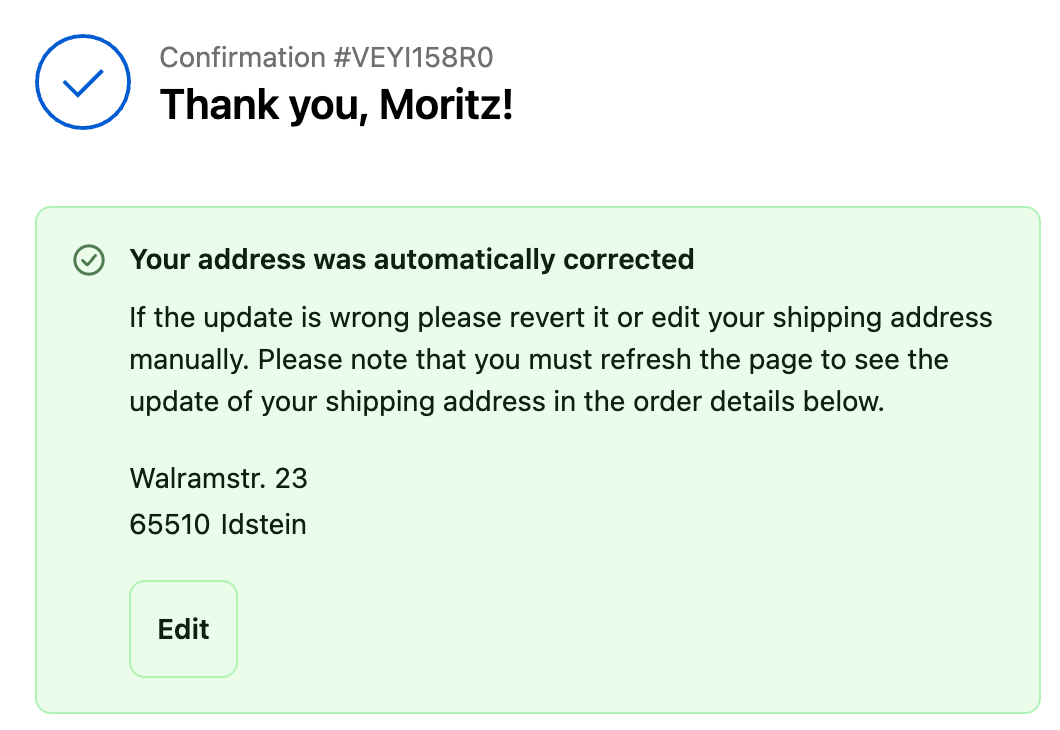
User message for the selected countries after an address was automatically corrected
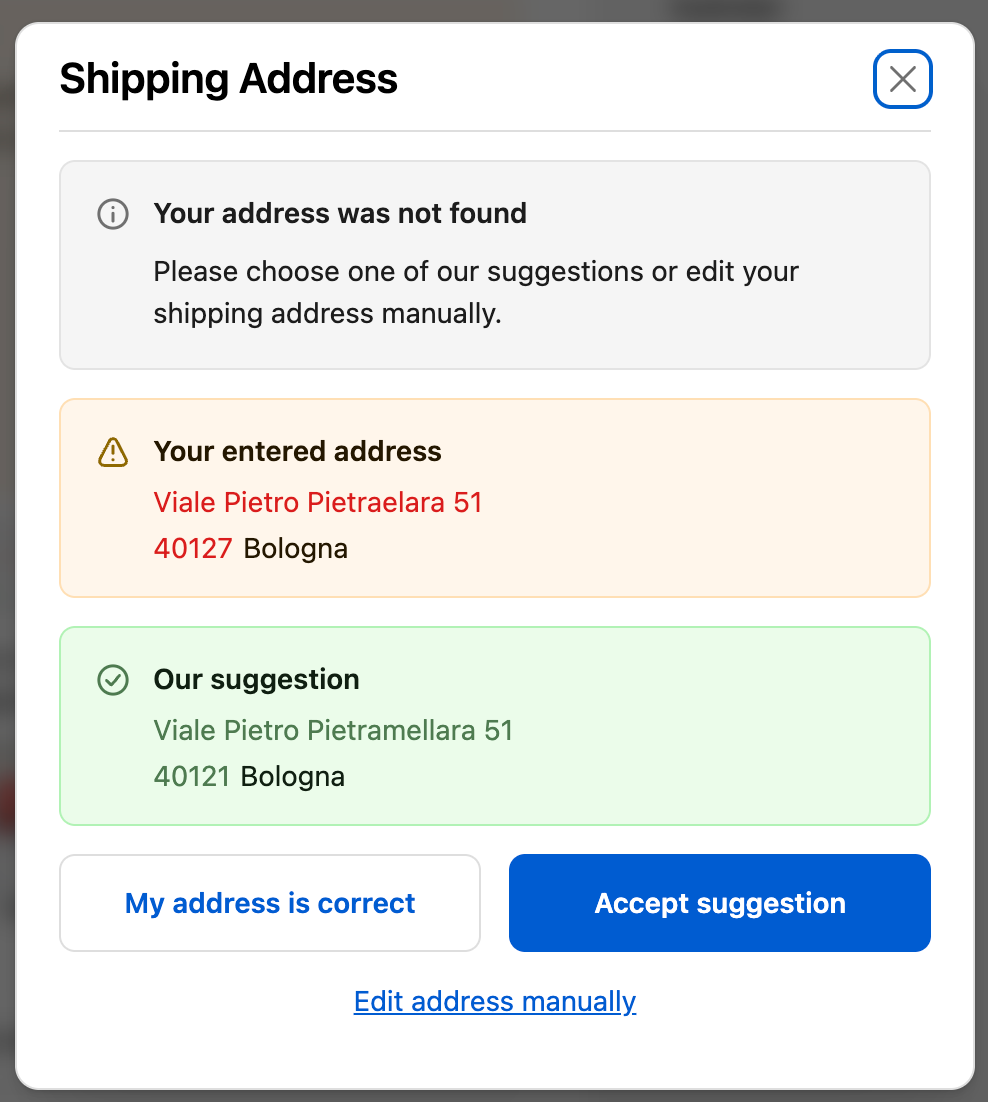
Any other country that is not selected still receives the address suggestion which the customer can accept manually.